
Your best AI work is buried in old chats.
The prompt that worked is in ChatGPT, the draft is in Claude, and the sources are in tabs you'll close tonight. Miimu keeps each project in one bundle, whichever AI made it.
One project, five places
One bundle, every piece
The chats, the outputs and the sources behind them sit together, each with its picture and your note. Miimu saves the link, never the conversation.
Six kinds of AI work, one place to keep them
Each sample is a real bundle: one Claude chat and everything it made. Each card opens a short article on how it was made, with the bundle to import free.
Every chat, saved by link
Share a chat from ChatGPT, Claude, Gemini or Perplexity and save the link where the project lives.
Real example: a Day of the Dead weekend in Mexico City, planned by ChatGPT and Claude, with every restaurant and ticket page they named.
GPTs, Gems, notebooks and Projects
Custom GPTs, Gems, Claude Projects and Gemini Notebook (formerly NotebookLM). Save the link, even a private one only you can open.
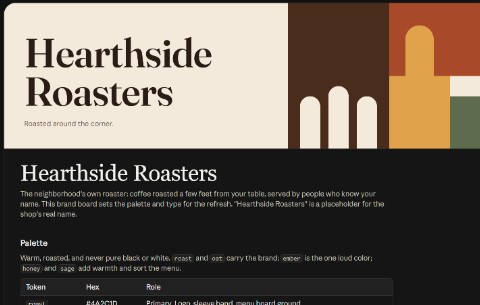
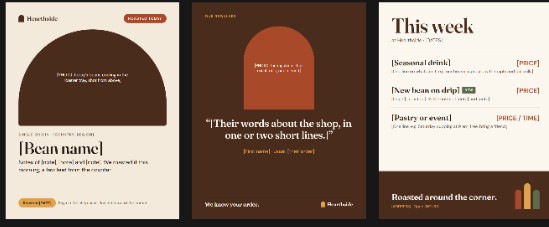
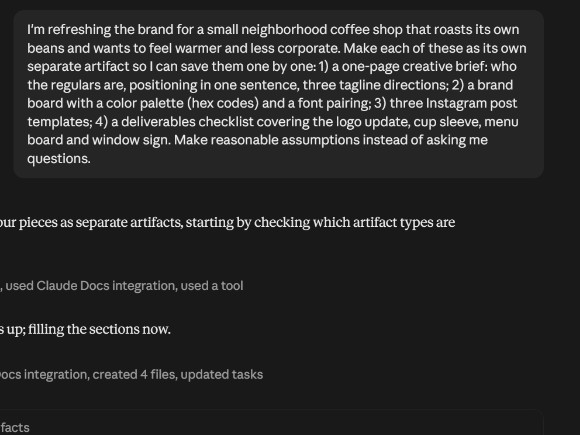
Real example: one Claude chat set up a coffee shop's workspace, with its instructions, shop facts and weekly prompts.
The prompts that worked
Filed by job: writing, images, code and research. Copy one, change two words, run it again.
Real example: one Claude chat built a 12-prompt library, then ran two of the prompts so you can see what comes back.
Templates worth reusing
The Zapier and n8n flows that handle your inbox, leads and admin, each with a note on what it does.
Real example: one Claude chat built a receipt logger for n8n and Zapier, with the prompt and the tests.
A first vibe-coding project
From picking the project to shipping it: the tools, the prompts that work, version control and the deploy guides.
Real example: one Claude chat built a working habit tracker, explained the code and put it online.
An AI mood board
The brief and the prompts, the inspiration rooms, the paint, the pieces to buy and the tools that built the board.
Real example: one Claude chat planned a calm living room, with a brief, a board, real paint colors and image prompts.
Three real AI projects you can import
Each started with one prompt. The chat sits at the top, everything it made sits underneath. Import one and swap in your own work.

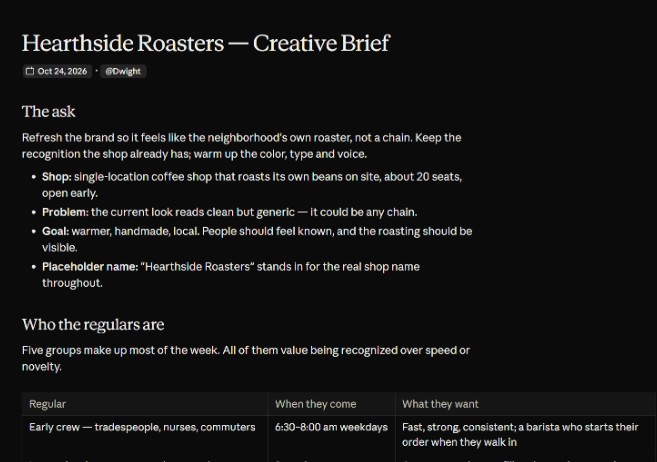
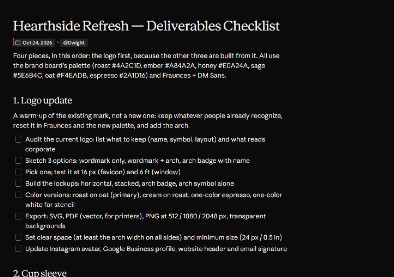
A coffee shop rebrand
Claude chat · Brief · Brand board · Instagram templates · Checklist
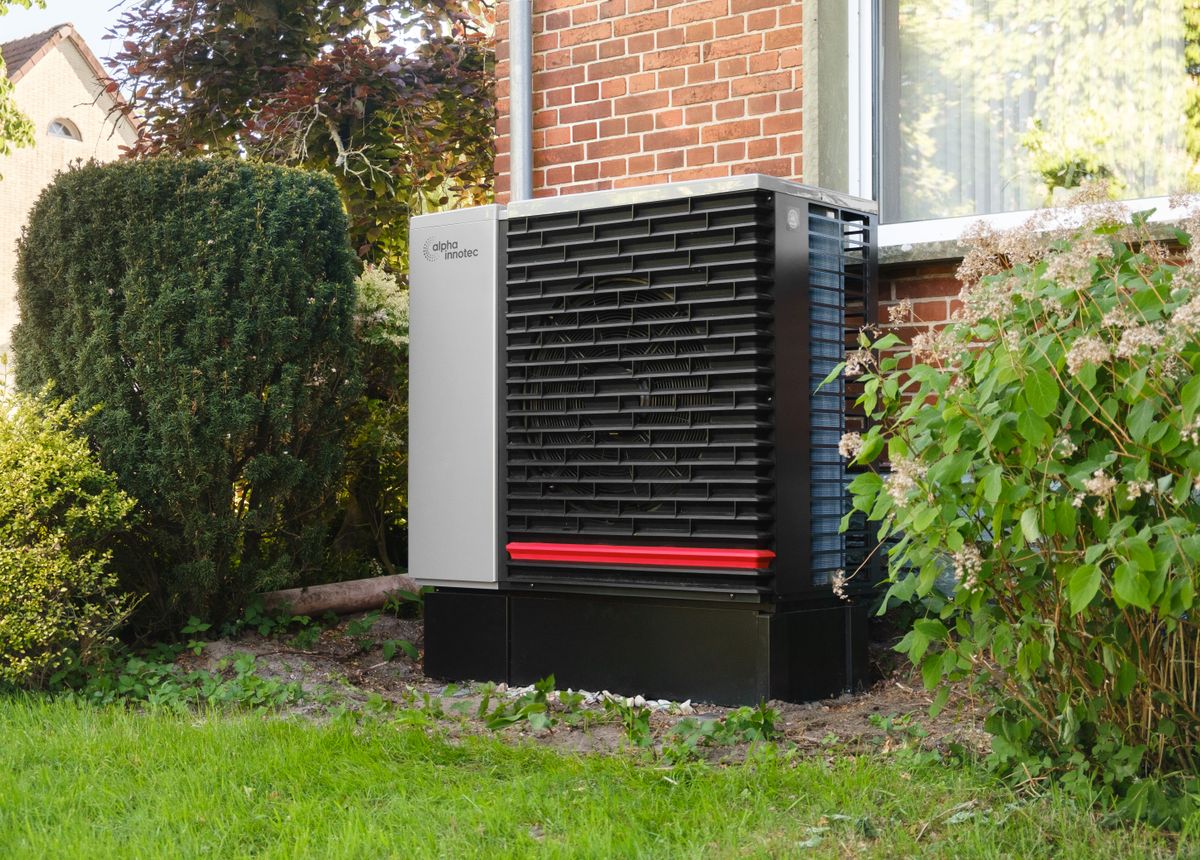
Is a heat pump worth it?
Claude and ChatGPT chats · Verdict · Cost calculator · Installer checklist

One YouTube video, idea to upload
Claude chat · Idea board · Script · Shot list · Thumbnail · Upload checklist
Save a chat from any AI tool
Every major AI tool can turn a chat into a link. Paste it into a bundle, or save it with the Chrome extension or your phone's Share button.
Tip: keep the prompt in the note. A share link is a snapshot of the chat when you shared it. If the chat moves on, share it again and save the new link.
Questions
Does Miimu read my AI chats?
No. Miimu saves the link with its title and preview picture, plus any note you add. The conversation itself stays in ChatGPT, Claude or Gemini.
What happens if I delete the chat?
The share link stops working, but the miimu stays in your bundle with its title and your note. That is why it pays to paste the prompt that worked into the note.
Does a share link update when I keep chatting?
No. A share link is a snapshot of the chat at the moment you shared it. Share the chat again later and save the new link to keep the latest version.
Can a client or teammate open my bundle?
Yes. Send the bundle's link and they see every miimu in it. The AI chats inside open for them if you shared those chats publicly.
Is Miimu free?
Yes. The free plan includes 10 bundles and 50 miimus. Pro is $7.99 a month or $86.25 a year and adds unlimited bundles and miimus, collab bundles and no ads in bundles.
Where can I use Miimu?
On the web, in the iPhone and Android apps, and with the Chrome extension, which saves the page you're on or all your open tabs into a new bundle.