
Vibe Coding for Beginners: Your First App
Vibe coding means describing the app you want and letting an AI write the code, then testing it and asking for changes. For a first-timer, writing the code is the easy part. The harder parts are understanding it and getting it online.
Claude was asked to build a small habit tracker and walk through both. The app and its three guides are saved in one bundle, next to the tools and deploy guides behind them.
The Prompt That Started It
One request for a small, useful app and the three things a beginner needs around it. Keeping the app to three habits is deliberate: small enough to understand line by line.
The first miimu in the bundle links to the full chat, shared from Claude, so anyone can read what went in.
What Came Back
Four pages, each its own miimu in the bundle.
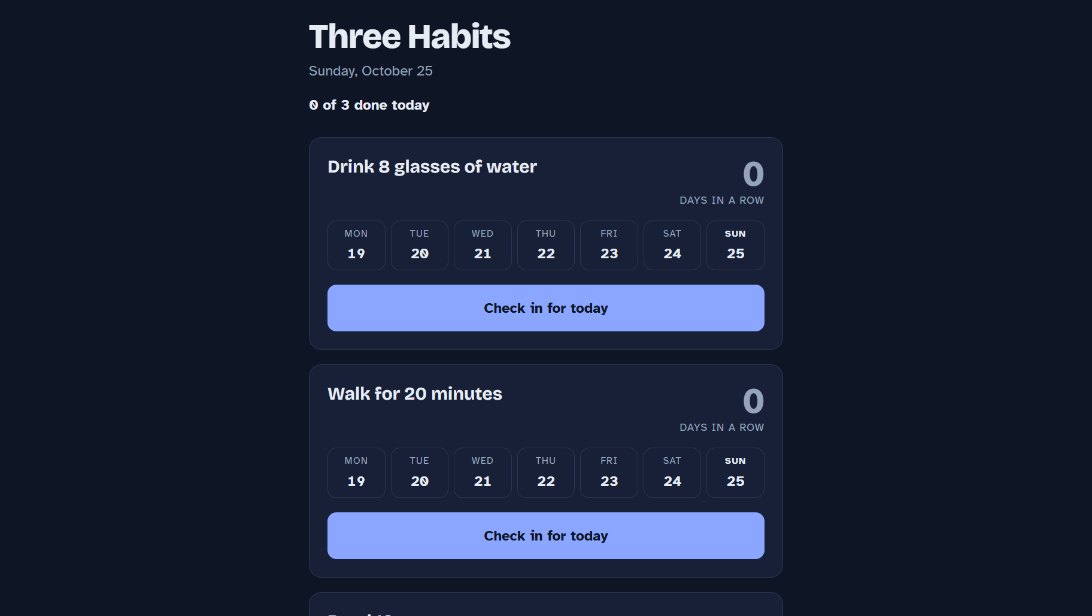 The habit trackerThree daily habits with a check-in button and a streak for each. It works in any browser, all from one file.
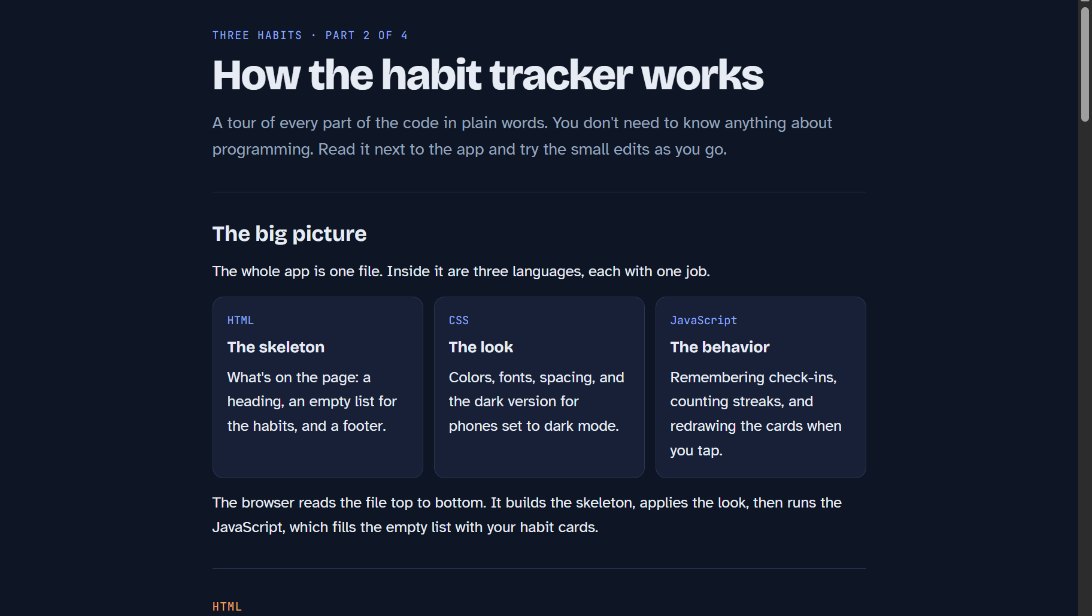 How the code worksA tour of the HTML, the CSS and the JavaScript in plain words, with small edits to try along the way.
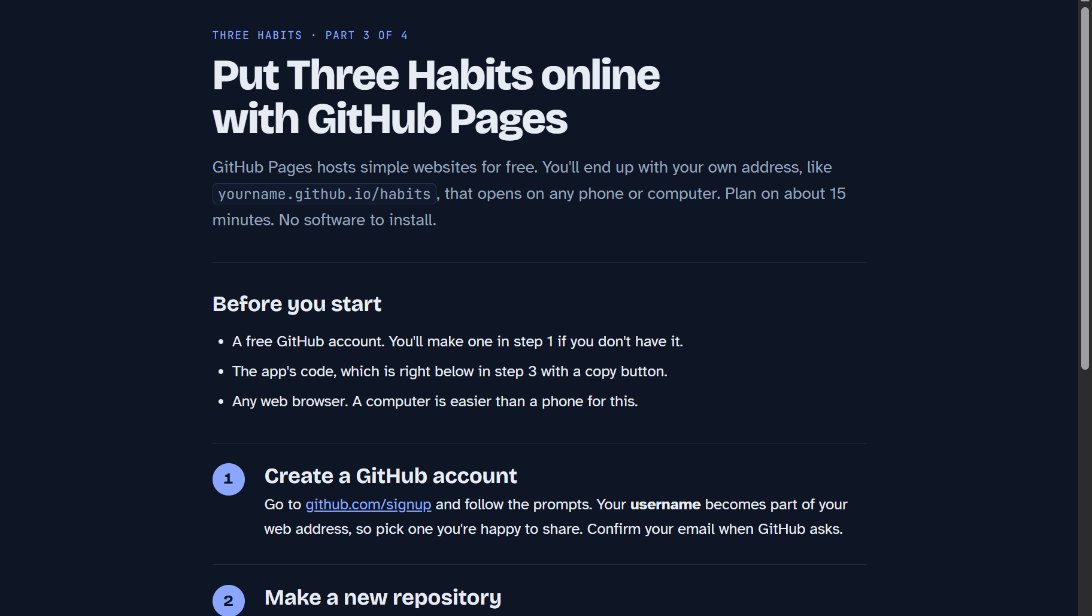 Put it online freeFrom a new GitHub account to a live web address with GitHub Pages, in about 15 minutes.
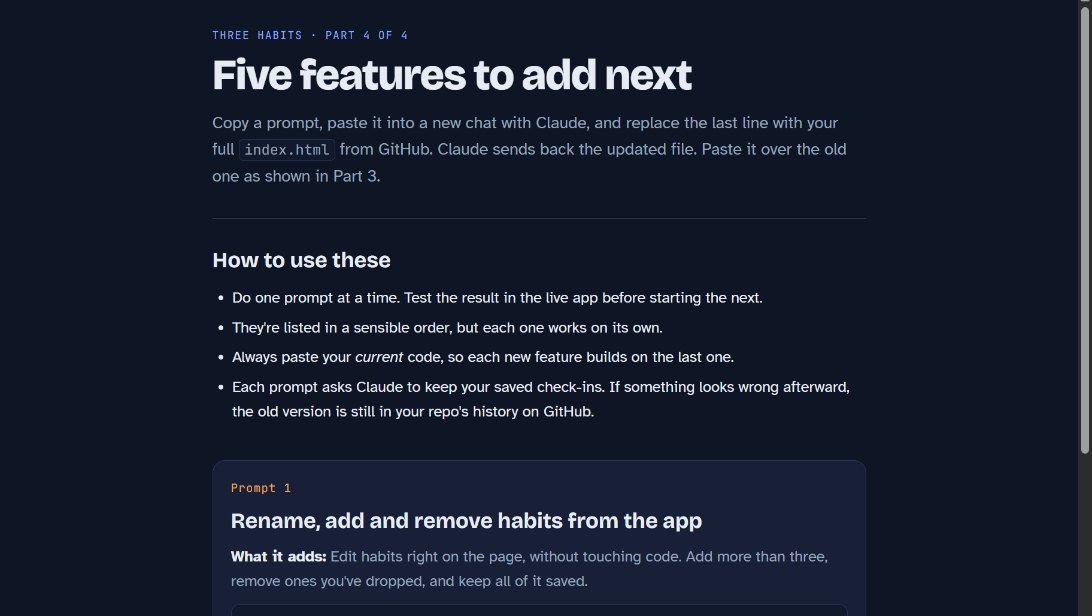 Five prompts for what's nextEach adds one feature, in a sensible order. Paste your current code with each one and test before moving on.
Make It Yours
More real AI projects, each with a bundle you can import, are on Miimu's AI page.
Before you go