
Free AI Prompt Library: Prompts That Work
The prompt that worked last month is usually gone by the time you need it again, buried somewhere in a chat history. A prompt library keeps it: a short list of prompts you trust, filed by job, each with the words to change marked.
Claude was asked to build one for someone who runs a small business and a side project, then to run two of the prompts on sample cases so you can see what comes back. All four pages are saved in one bundle, next to the prompting guides from OpenAI, Anthropic and Google.
The Prompt That Started It
One request that names the reader and asks for proof. Running two of the prompts on sample cases shows whether the prompts are any good.
The first miimu in the bundle links to the full chat, shared from Claude, so anyone can read what went in.
What Came Back
Four pages, each saved into the bundle as its own miimu.
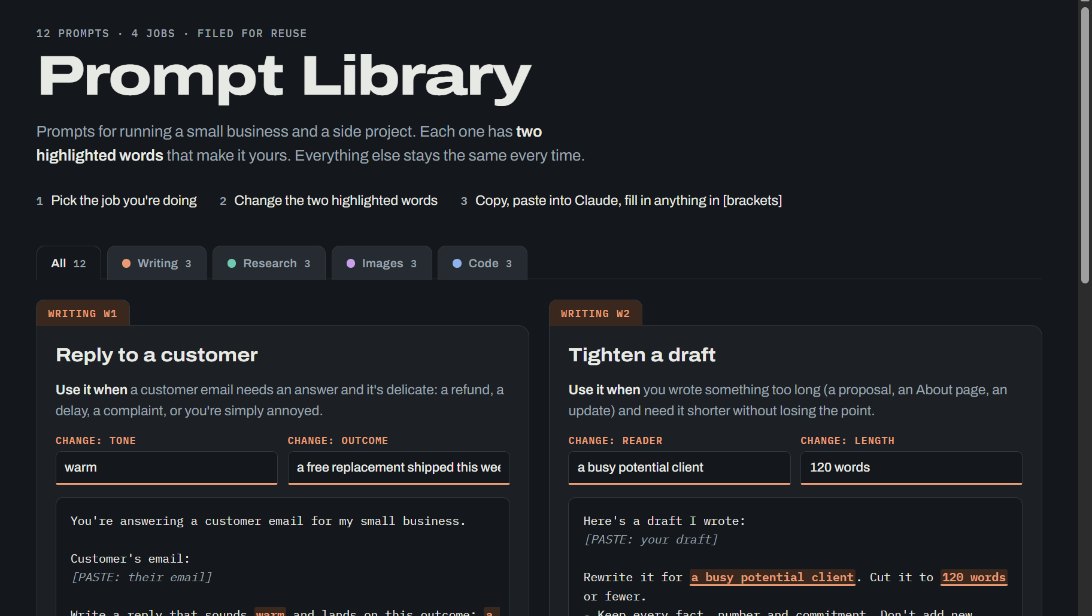 The 12-prompt libraryThree prompts each for writing, research, images and code. Every one says when to use it, highlights the two words to change and has a copy button.
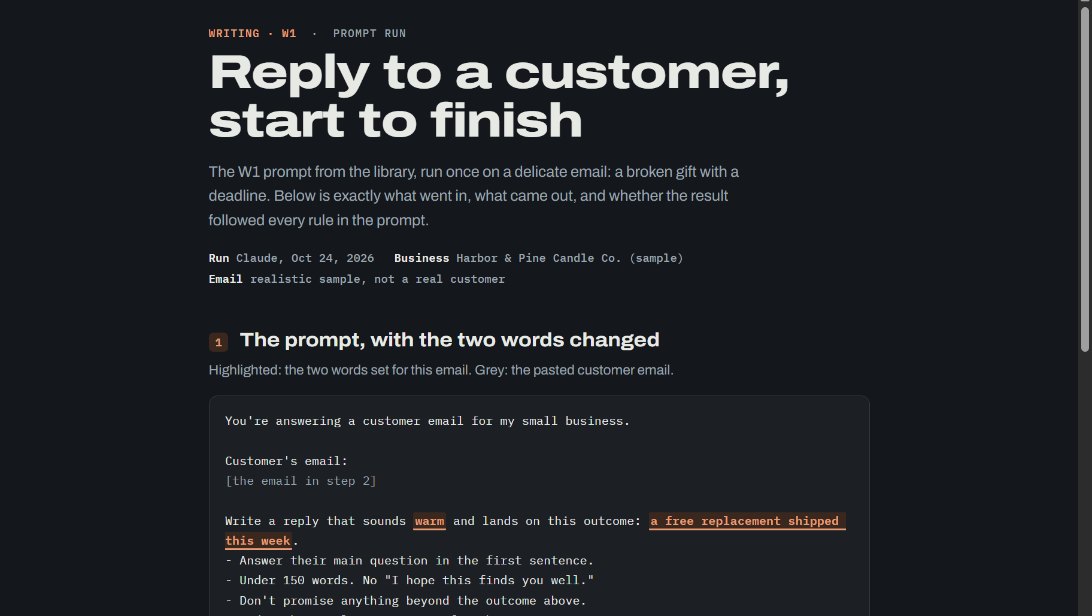 A writing prompt, runThe customer-reply prompt used on a delicate email about a gift that arrived broken and was needed by a deadline, showing what went in and the reply that came out.
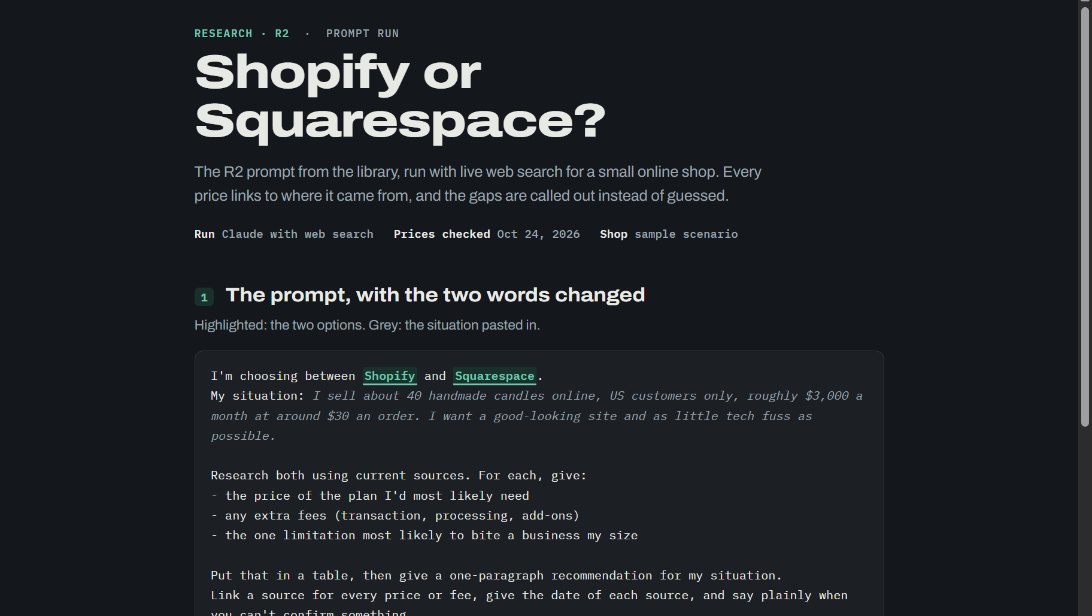 A research prompt, runShopify or Squarespace for a small candle shop, researched with web search. Every price links to its source, and the gaps are named instead of guessed.
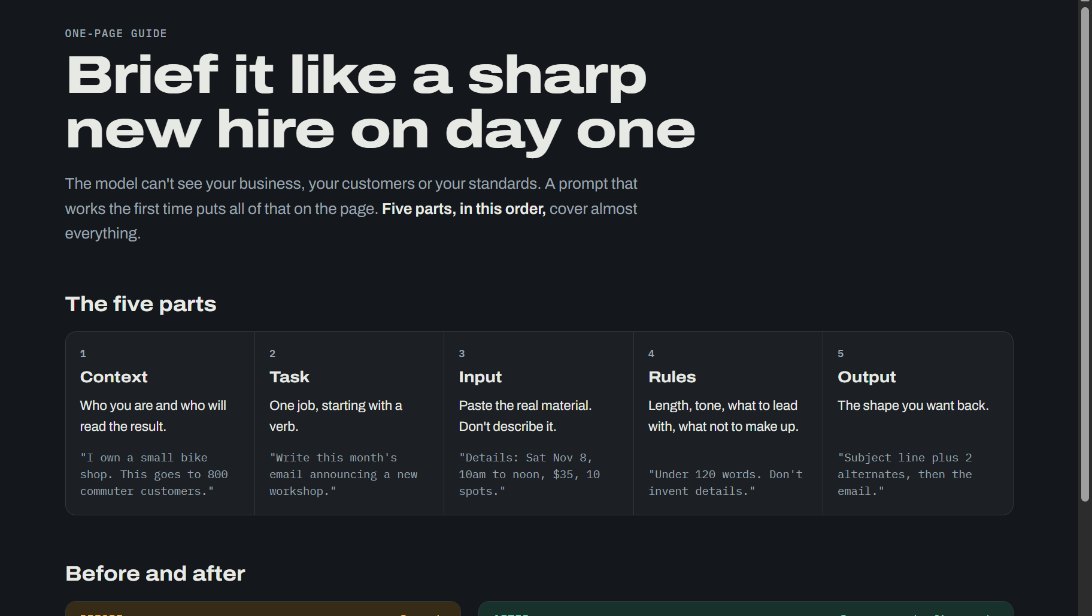 The one-page guideThe five parts of a prompt that works, in order: context, task, input, rules and output. A weak prompt and the fixed version sit side by side.
Make It Yours
More real AI projects, each with a bundle you can import, are on Miimu's AI page.
Before you go