
How to Make an AI Mood Board for Your Home
A room refresh usually goes wrong in the store, when a lamp or a rug looks good on its own and wrong at home. Deciding the palette, the materials and the light first gives every later purchase something to match.
Claude was asked to plan a calm living room for a small apartment with about $1,500 for the pieces. It came back with a brief, a board, a paint sheet with real colors and six image prompts, all saved in one bundle next to inspiration rooms and pieces worth considering.
The Prompt That Started It
One request with the feeling, the room and the budget up front. The request for real paint colors with brand and code turns a pretty board into a shopping list.
The first miimu in the bundle links to the full chat, shared from Claude, so anyone can read what went in.
What Came Back
Four pages, and each one saves into the bundle as a miimu.
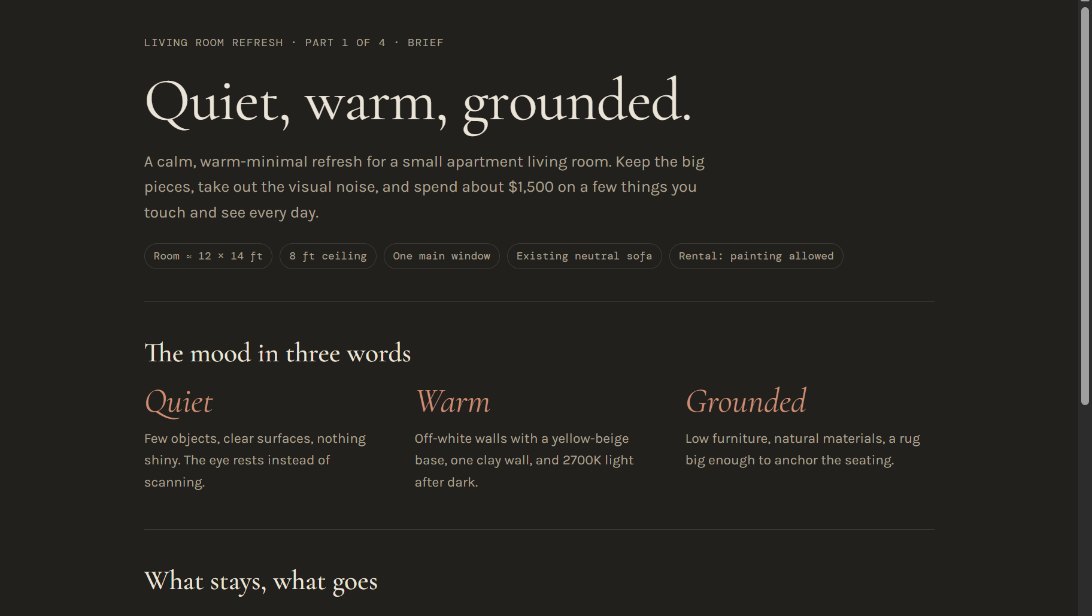 The briefThe mood in three words (quiet, warm, grounded), plus what stays, what goes and how the $1,500 splits.
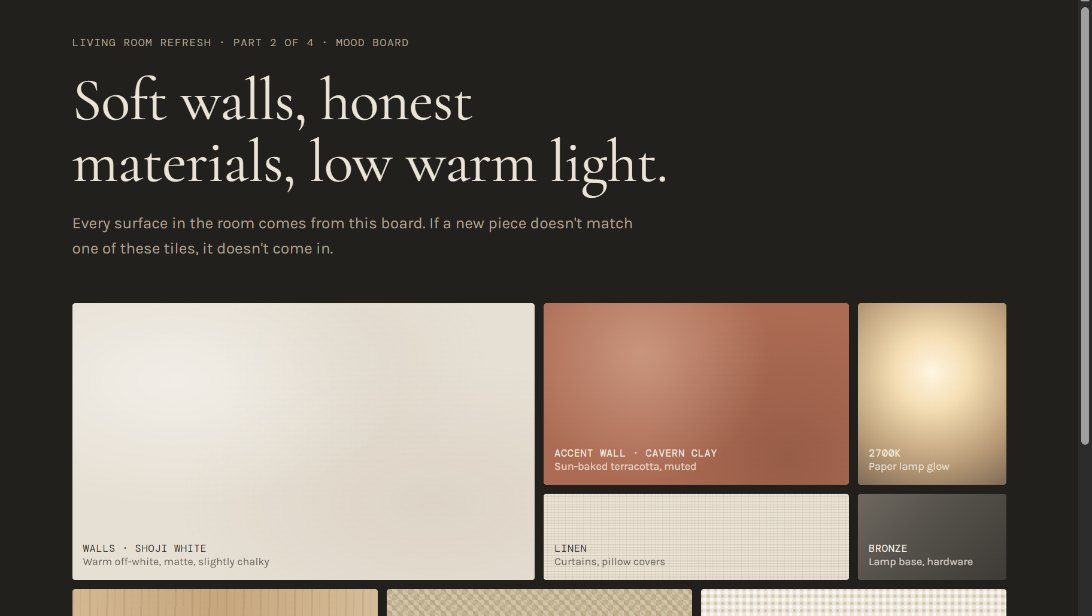 The mood boardWalls, materials and light on one screen. Hold any new piece up against these tiles; if it matches none of them, it stays out.
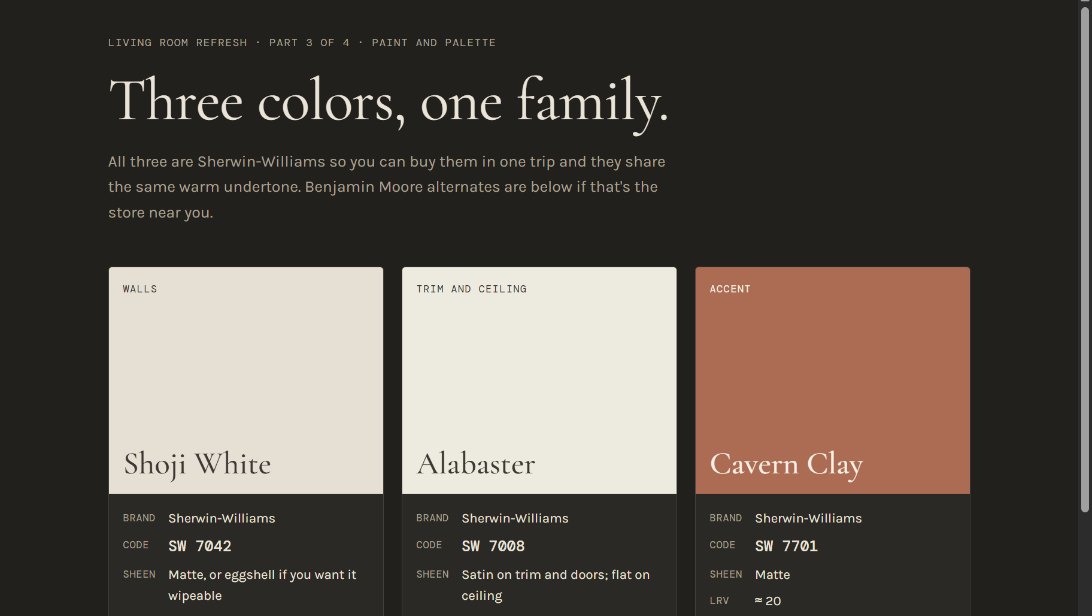 The paint sheetThree Sherwin-Williams colors from one warm family: Shoji White (SW 7042) for walls, Alabaster (SW 7008) for trim and Cavern Clay (SW 7701) for one accent wall, with Benjamin Moore alternates.
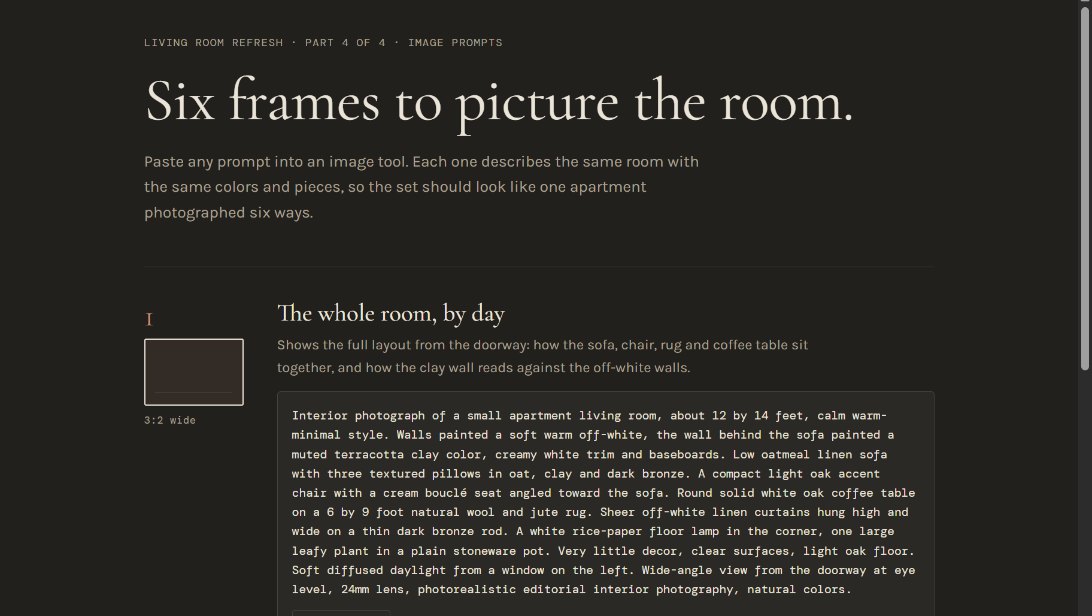 Six image promptsThe same room described from six angles and times of day, so the pictures an image tool makes are more likely to look like one apartment.
Make It Yours
More real AI projects, each with a bundle you can import, are on Miimu's AI page.
Before you go