
How to Rebrand a Coffee Shop With AI
A neighborhood coffee shop that roasts its own beans has something a chain can't copy, and a generic logo hides it. This rebrand, for a sample shop called Hearthside Roasters, started with one prompt to Claude and came back as the four pieces a small refresh needs, from the brief to the checklist that takes the new look onto the cup sleeve and the window sign.
Every piece below is the real output, saved in one bundle next to the guides and tools behind the job. Import it before your next client kickoff and the slowest part of any rebrand, deciding what the shop should say about itself, is already drafted.
The Prompt That Started It
One request, written the way you would brief a freelancer. Its last line keeps the job moving: told to make reasonable assumptions, the AI builds the whole set without stopping to ask 10 questions first.
The first miimu in the bundle links to the full chat, shared from Claude, so anyone can read exactly what went in.
What Came Back
Four separate pages, each with its own link, so each one saves into the bundle as its own miimu.
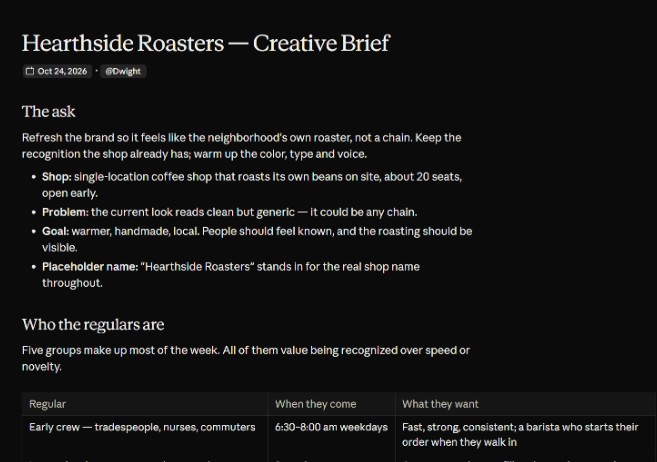 The creative briefFive kinds of regulars, from the early crew who want their order started when they walk in to weekend home brewers. Plus a one-sentence positioning and three tagline directions; its pick, "Roasted around the corner," is something a cafe that buys its beans can't say.
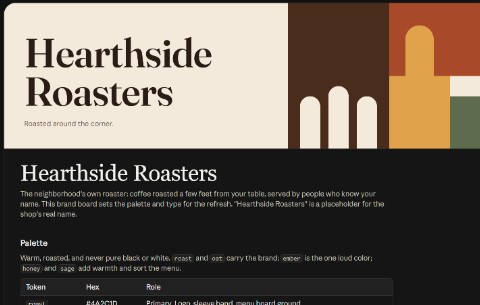 The brand boardNine colors with their hex codes, led by a deep roast brown and an ember red, and a font pairing of Fraunces for headings with DM Sans for text, so the sleeve, the menu board and every post match.
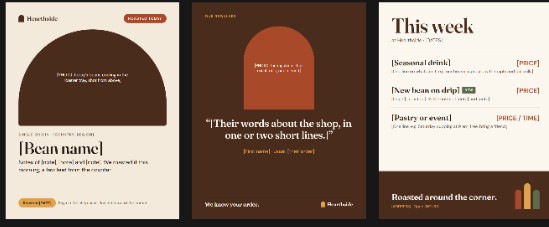 Three Instagram templatesReady layouts sized for the feed. Drop in the real roast, a regular's quote and the week's specials, and post.
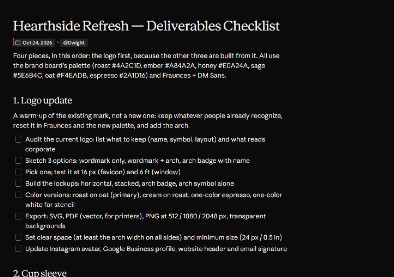 The deliverables checklistThe logo update, cup sleeve, menu board and window sign in build order, with tick boxes down to the printer proofs.
Make It Yours
More real AI projects, each with a bundle you can import, are on Miimu's AI page.
Before you go