
An AI Receipt Logger for n8n and Zapier
Receipts arrive by email all week, and someone has to copy the vendor, date and amount into a spreadsheet before the bookkeeping makes sense. It's the kind of job an automation tool and an AI model can share: the tool watches the inbox, the AI reads each receipt, and a row appears in the sheet.
Claude was asked to build that automation for n8n, and again for Zapier. Everything it made is saved in one bundle, next to template galleries and guides for common jobs: inbox, leads, social media and personal admin.
The Prompt That Started It
One request that states the payoff, an hour a week, and lists the four pieces needed to make it run. The test emails, each with its expected row, make the result easy to check.
The first miimu in the bundle links to the full chat, shared from Claude, so anyone can read what went in.
What Came Back
Each of the four pages saves into the bundle as its own miimu.
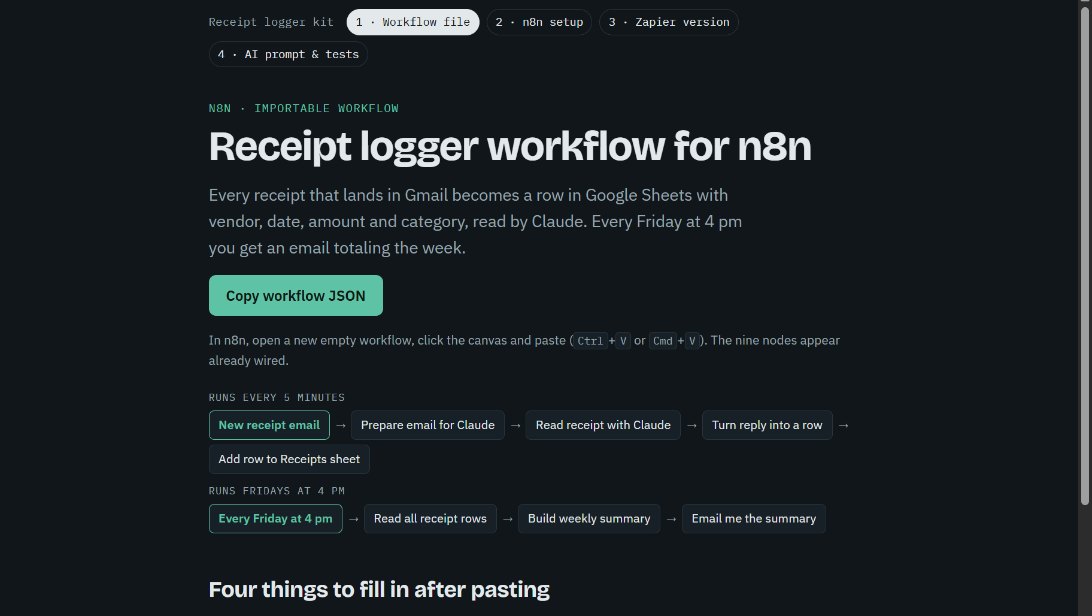 The n8n workflowNine steps already wired, from new email to Friday summary. Copy the JSON, paste it onto an empty n8n canvas and fill in four settings.
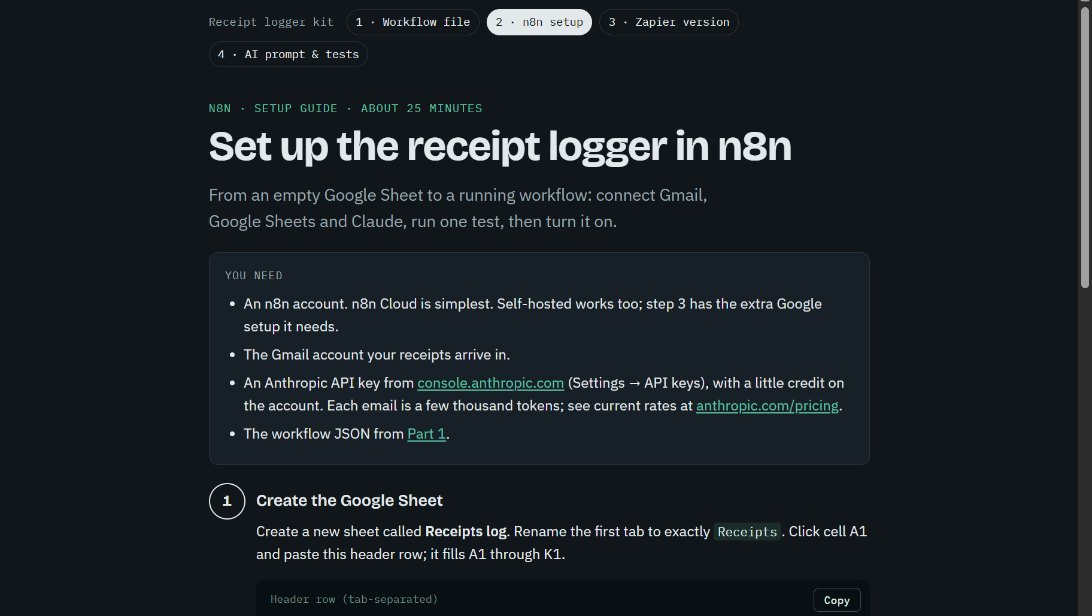 The n8n setup guideEach step from an empty Google Sheet to a running workflow, about 25 minutes, including the Gmail, Sheets and Claude connections and one test email.
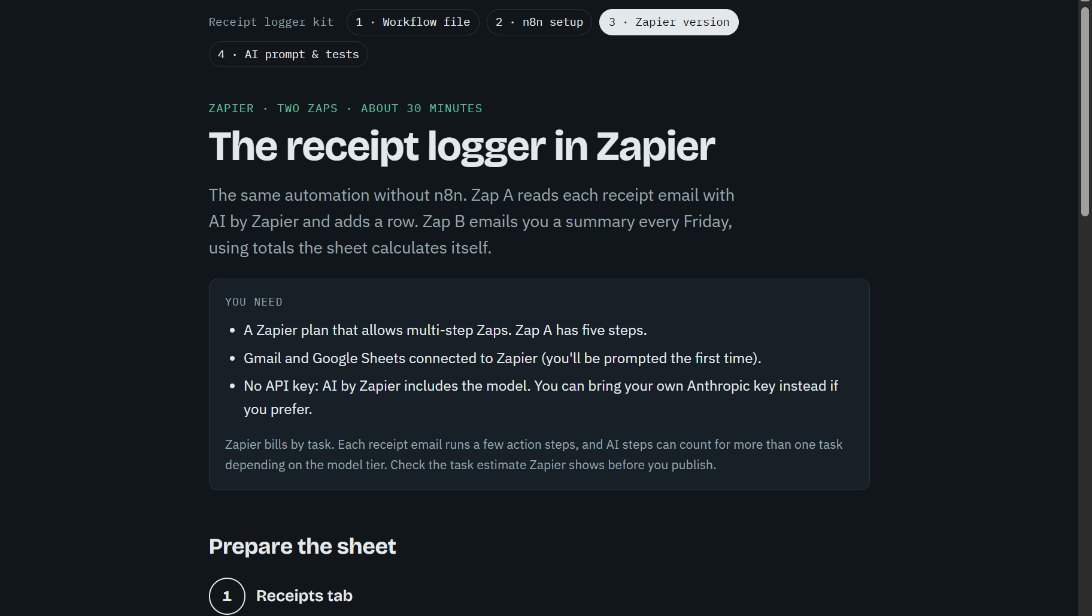 The Zapier versionThe same job as two Zaps, for anyone on a paid Zapier plan. It uses Zapier's own AI step, so no separate API key is needed.
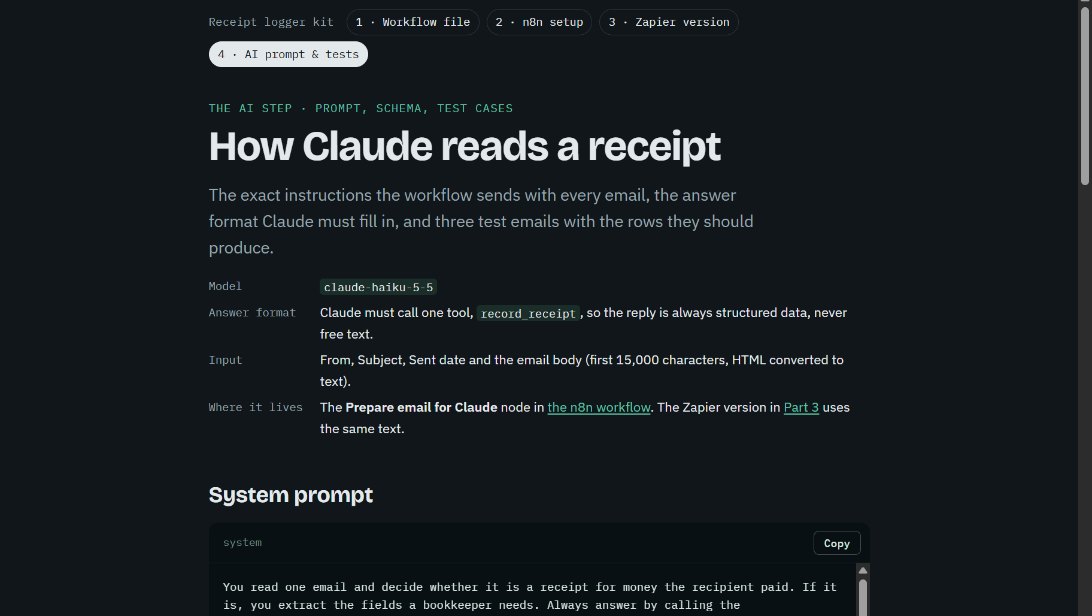 The prompt and testsThe exact instructions sent with each email, the answer format, and three test receipts with the rows they should produce.
Make It Yours
More real AI projects, each with a bundle you can import, are on Miimu's AI page.
Before you go